Hawai‘i Safe Roads Challenge
Get ready, Hawaiʻi! The Safe Roads Challenge 2026 is here! Join a statewide campaign to make our roads safer and save lives.
We’re excited to announce the launch of the 2026 Safe Roads Challenge; a statewide initiative designed to reduce crashes, save lives, and promote safer driving habits across Hawai‘i. Whether you’re on Oʻahu, Maui, Kauaʻi, the Big Island, Molokaʻi, or Lānaʻi, this challenge is for you and your whole ʻohana.
April is Distracted Driving Awareness Month in the Safe Roads Challenge!
April is Distracted Driving Awareness Month – a perfect time to focus on eliminating the habits that pull your attention off the road. This month’s theme highlights how staying present behind the wheel can significantly improve both your Phone Score and Focus Score. From resisting the urge to check notifications to minimizing distractions like passengers, music, or eating, small changes can make a big difference. Keep your eyes up, your hands steady, and your mind on the drive to boost your score and help create safer roads for everyone.
Win Big in This Month’s Challenges:
*Prizes are donated by Safe Roads Challenge or local sponsors, specified on each prize announced.

Phone Score 70+
$5 Gift Card Prizes

Focus Score 70+
$5 Gift Card Prizes
Phone Score 80+
$5 Gift Card Prizes
Focus Score 80+
$5 Gift Card Prizes
Phone Score 90+
$5 Gift Card Prizes

Why Joining Safe Roads Challenge Matters
2025 was Hawai‘i’s deadliest year on the roads since 2007, with 129 traffic fatalities statewide, including:
- 38 pedestrians (11 homeless)
- 39 motorcycle/motor scooter riders (31 motorcyclists, 8 motor scooter operators)
- 40 motor vehicle occupants
- 7 bicyclists (3 e-bike)
- 5 other non-occupant fatalities (1 homeless)
O‘ahu alone saw 83 fatalities, and the numbers continue to rise due to pedestrian involved crashes, speeding, and impaired driving. First responders and traffic officials are calling for community-wide behavioral change to reverse this trend.
When you join the Safe Roads Challenge, you’ll join a community working to change these numbers in 2026.
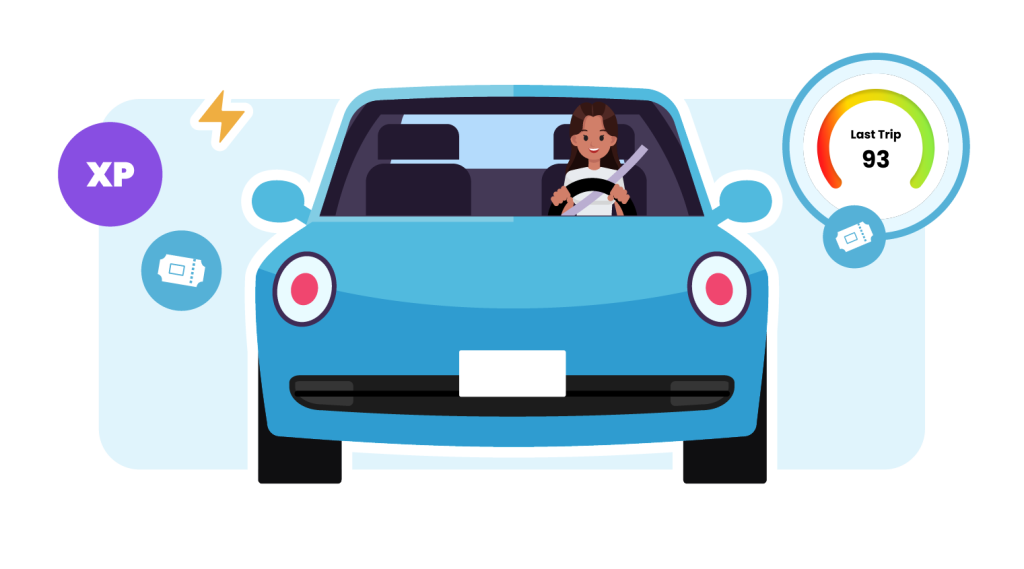

Fun way to challenge yourself and build safe driving habits

Weekly prizes from hundreds of brands!

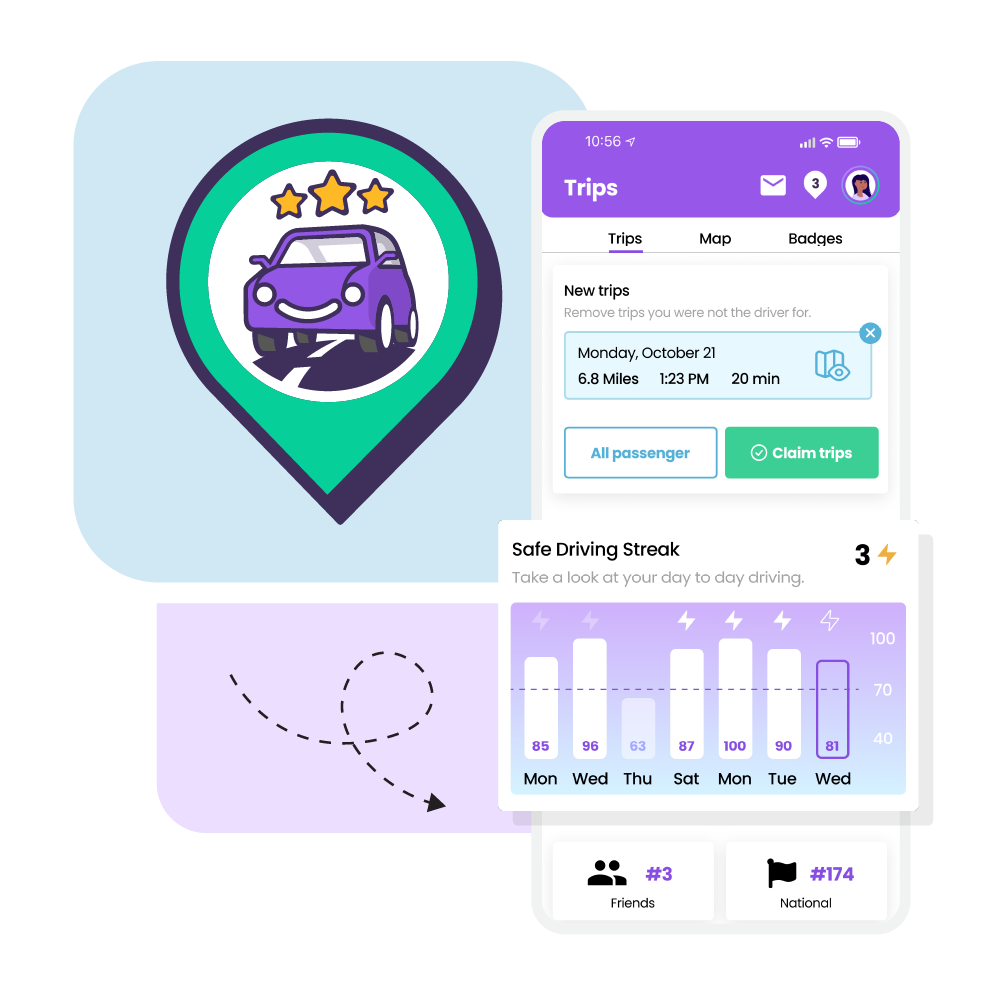
See your progress with real-time scores
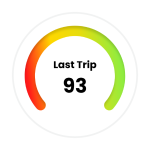
See your progress with real-time scores

Help make Hawaiʻis roads safer
How to Join:

Frequently Asked Questions
Who can participate?
Any person residing in Hawai‘i with a valid drivers license may participate in the Hawai‘i Safe Roads Challenge and use the Safe Road Challenge app.
Is it free to join?
Yes! The challenge is completely free for everyone in Hawai‘i to join!
Is my personal information shared?
Safe Roads Challenge does not send or sell user’s personal information, location data, or individual performance data to anyone, including your insurance company. For full privacy policy, see: https://saferoadschallenge.com/privacy-policy/
Will this app drain my battery or data?
No. The app is designed to use very minimal battery and data. Trips are recorded efficiently in the background, and we delay processing until after your drive is complete. If you connect to Wi-Fi, the app will use Wi-Fi to upload trip data instead of cellular whenever possible – helping reduce data usage even further.
How do I see the Hawaiʻi Safe Roads Challenge in the app?
You’ll be automatically added to Team Hawaiʻi when you download the Safe Roads Challenge app and select Hawaiʻi as your State of Residence. No extra steps needed.
To view the challenge:
- Go to the Teams tab
- Use the dropdown next to the ⭐ star icon and select Hawaiʻi Safe Roads Challenge
On the Leaderboards Tab, you’ll be able to see how you stack up against other Hawaiʻi drivers. On the Challenge tab, you’ll find Hawaiʻi-exclusive prizes and updates, plus you can still earn entries toward other prizes available in the app.
I’m confused or have had technical issues with the Safe Roads Challenge app.
Read help articles and submit a support request directly to the Safe Roads Challenge team. Support can be reached at https://support.saferoadschallenge.com/hc/en-us or from the Settings section of the app.
What settings need to be enabled on my device?
iOS Users: Go to your device’s settings, scroll down to Safe Roads Challenge, click on Location, select ‘Always’ for location access, and turn the ‘Precise Location’ toggle on. The next step is to ensure that your Motion & Fitness is set to On. To find the Motion and Fitness setting go to device settings select Privacy & Security, go to Motion & Fitness and click Fitness Tracking to On. In addition to these settings, low power mode needs to be turned off as that will interfere with Trips recording in the background of your phone.
Android Users: Go to your device’s settings and scroll down to Apps. From there, find and select Safe Roads Challenge, turn your location on to ‘Always Allow’ and set your Motion and Fitness to On. For Trips to record properly, battery optimization has to be turned off for Safe Roads Challenge. To do this, return to the Apps section of settings, click on the 3 dots in the top right corner, select Special Access, choose Optimize Battery Usage, click on the dropdown beside ‘Apps not Optimized’ and choose All. Scroll down to Safe Roads Challenge and turn the toggle to Off.